Apple TV
A live wall of your website traffic.
Put Site Pulse on the office TV, the café screen or the studio wall. Everyone sees the visitors arrive, live, from Google Analytics 4.
World
Watch the world arrive.
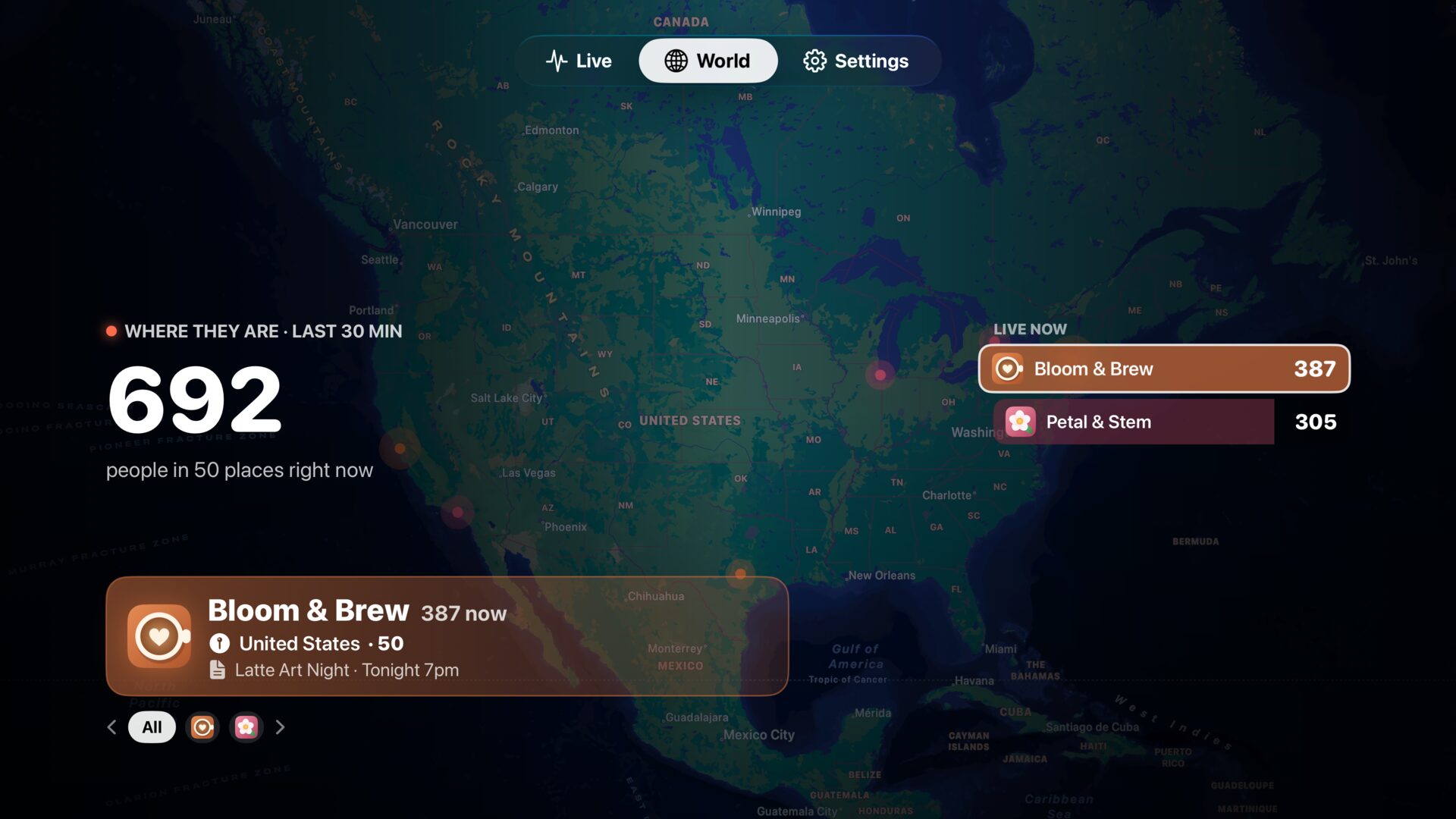
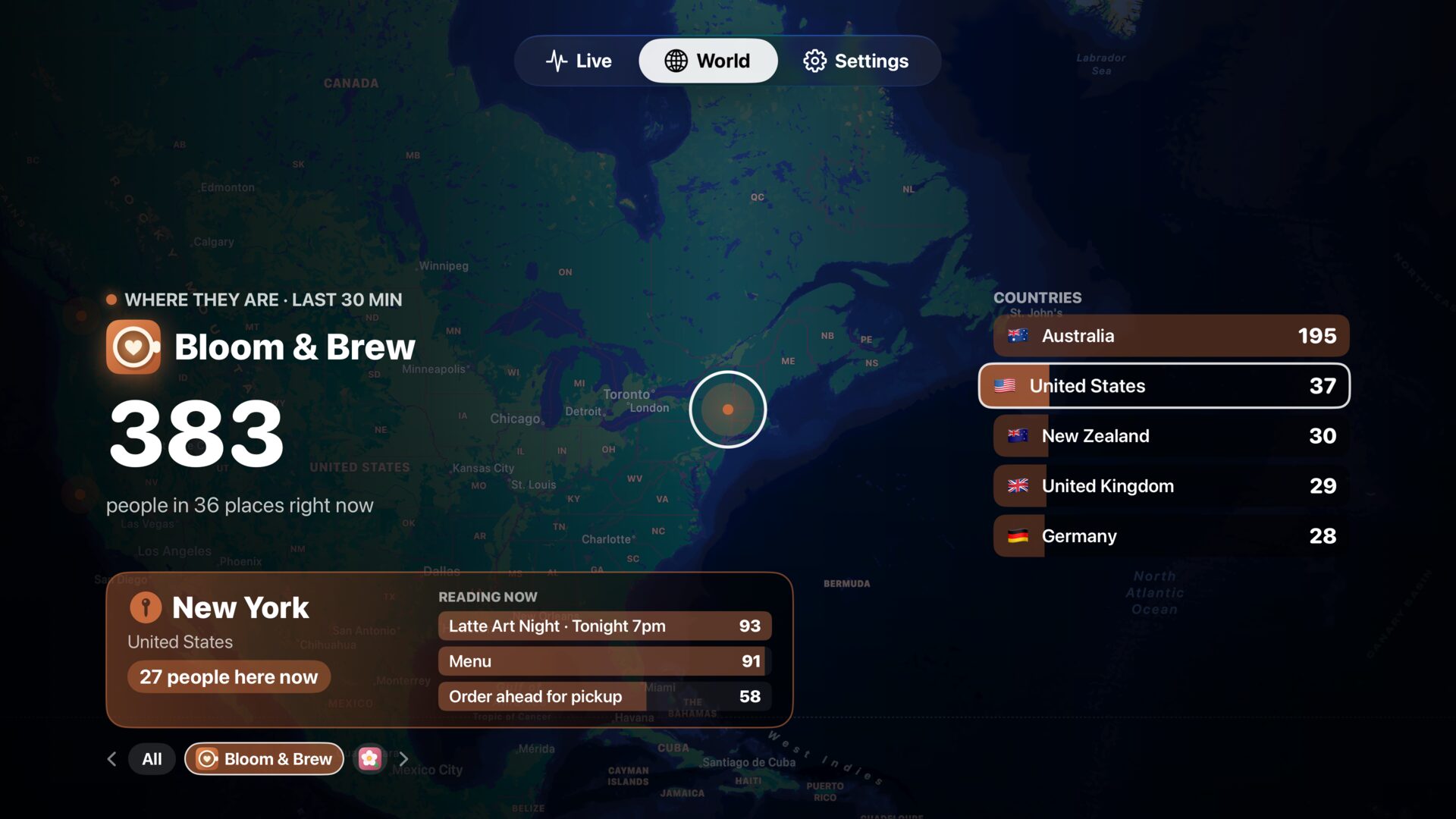
On All sites, the map tours by itself from site to site with a live leaderboard. Pick one site and it follows every visitor, city by city, with what they’re reading.
Spike takeover
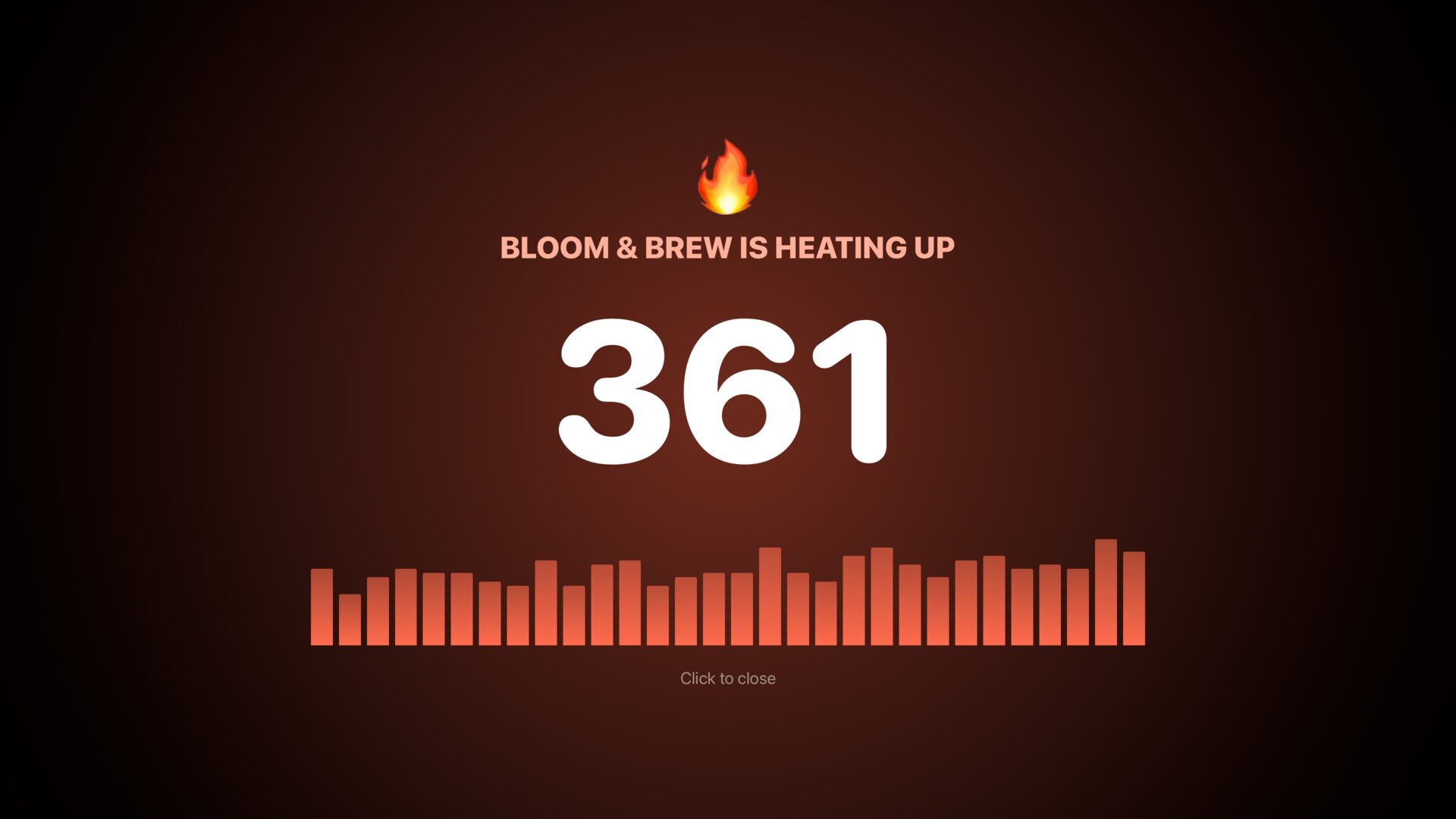
When a site heats up, the room knows.
Turn it on and the whole screen turns warm for two minutes when a site spikes. Off by default.
Ambient
Calm when nobody’s watching.
After ten minutes without the remote, Site Pulse dims to a quiet number that slowly drifts, so nothing burns in.
Pairing
Sign in with a QR code.
No typing with the remote. Scan the code with your iPhone and your accounts move across your local network, encrypted, with no server in between.
Live
The live room.
The big number, today and its pace, a 30-minute skyline, a “Right now” column with top places and pages, and a card for every site.
Top Shelf
Live from the Home screen.
Put Site Pulse in the top row and your numbers show before you even open it.
Questions about Apple TV.
Can I leave it on all day?
Yes. Ambient mode dims the screen and keeps the numbers moving slowly after ten minutes without the remote.
How do I sign in on Apple TV?
Open Settings on the TV, scan the QR code with Site Pulse on your iPhone, and your accounts are copied over your local network.
Which Apple TV do I need?
An Apple TV that runs tvOS 26.
 RawToHEIC
  MergeHDR
  Filters
  Photo Geotag
  Copyrighted
  Camera Grid
  Photo Tape