Mac
Google Analytics, live in your menu bar.
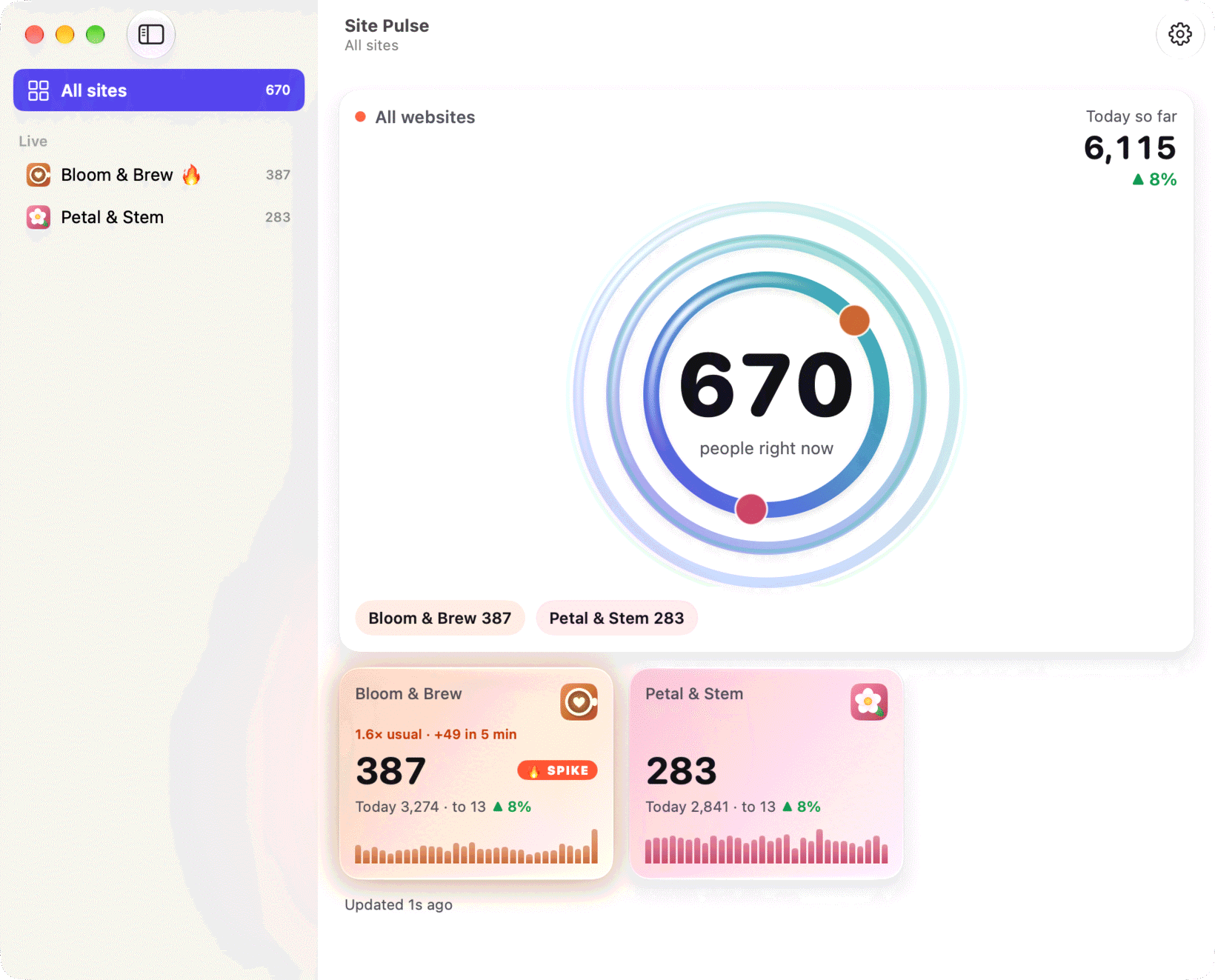
Site Pulse sits quietly next to the clock: everyone on your websites right now, and a sparkline of the last 30 minutes. No Dock icon, no browser tab, no dashboard to remember.
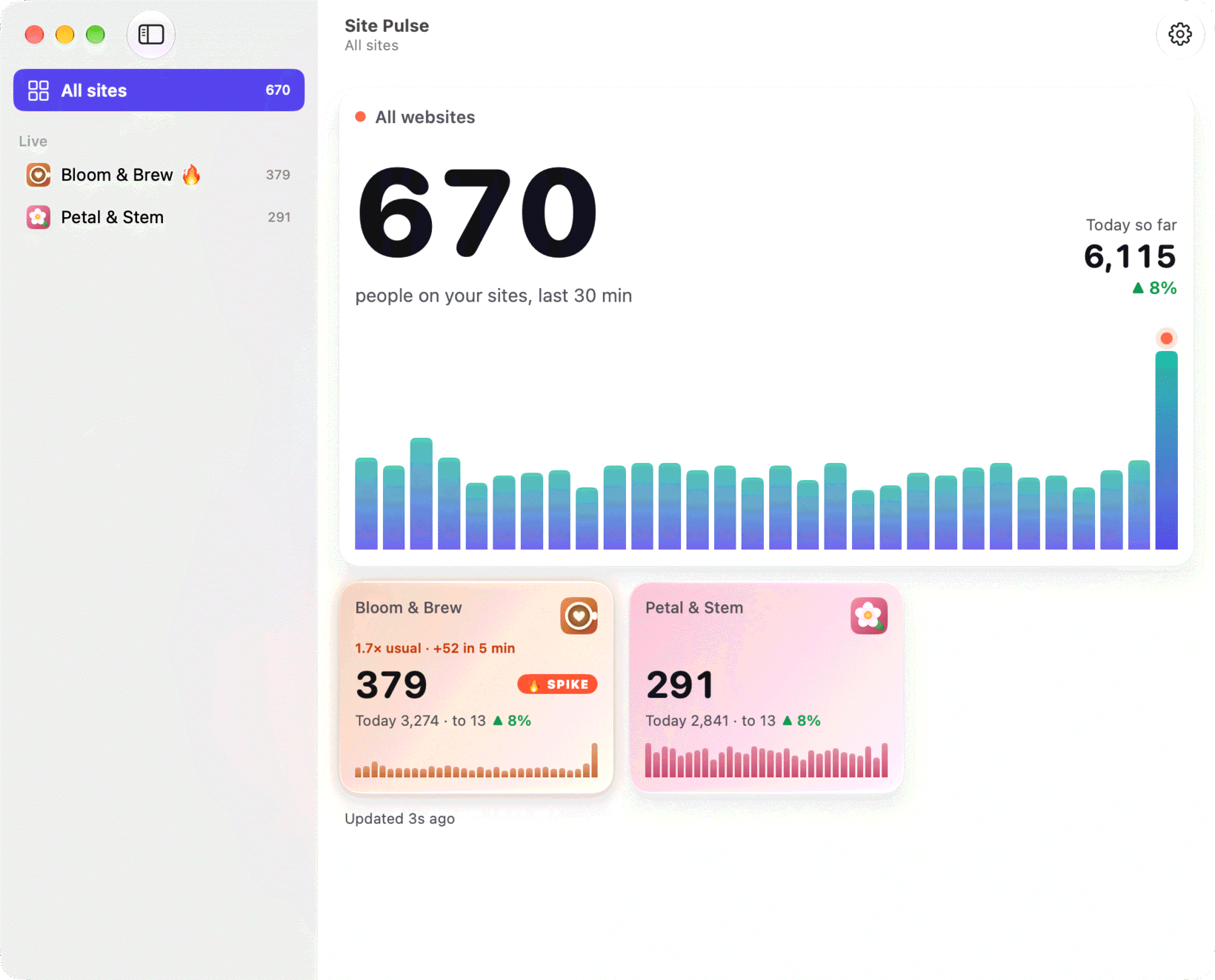
Site pages
Catch the rush as it starts.
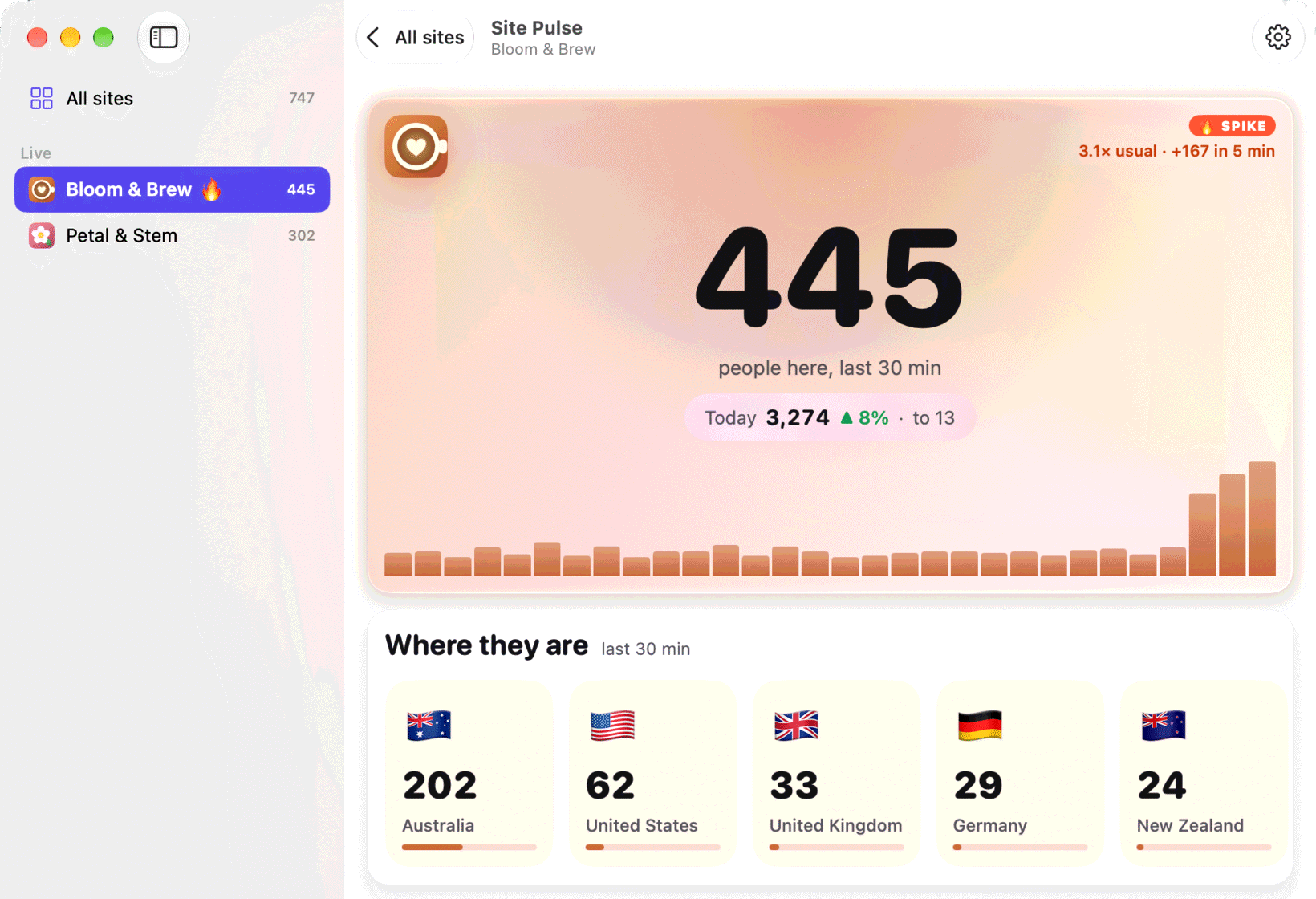
Open a site to see where people are, the pages they’re reading, the devices they use and the events they trigger, plus how today is going so far.
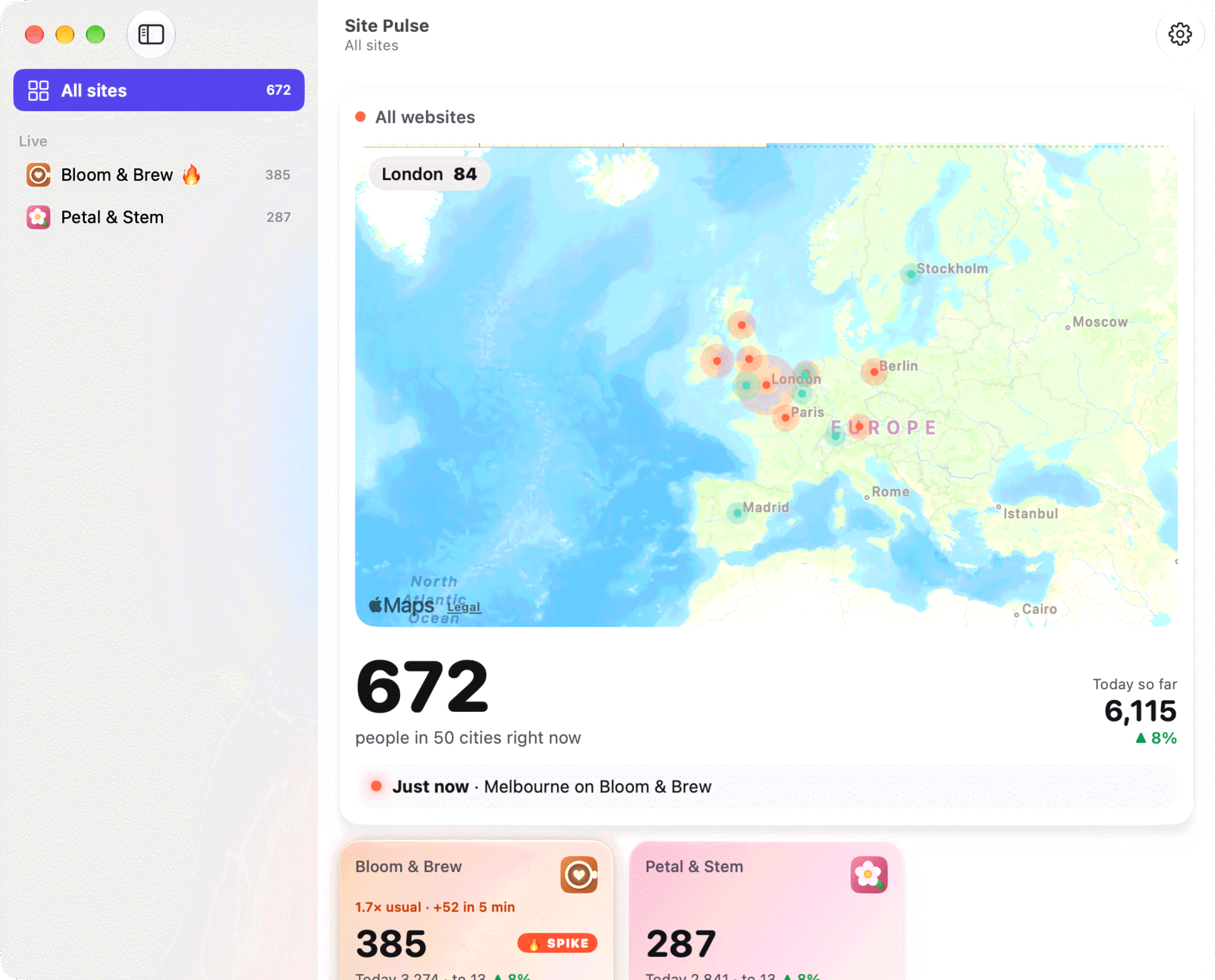
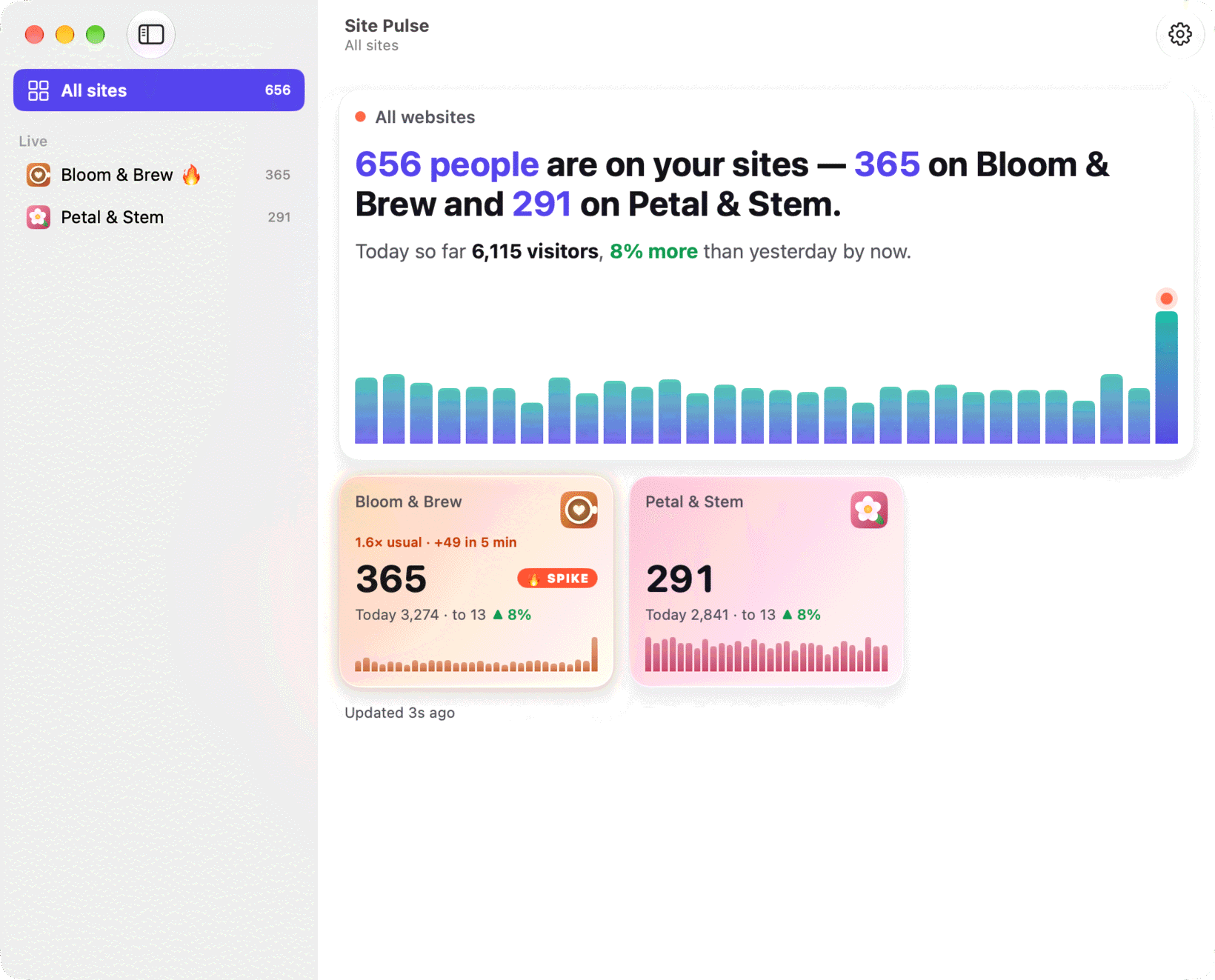
Your look
Map, story or ripple.
Desktop widgets
On your desktop, too.
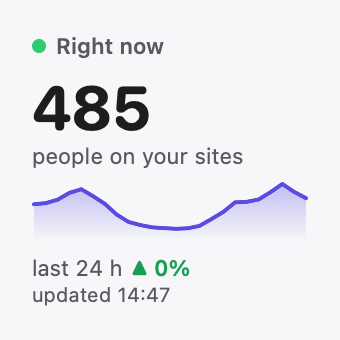
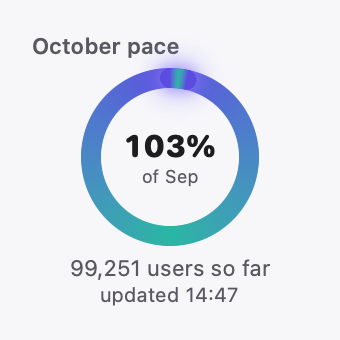
All nine Site Pulse widgets work on the Mac desktop, from a single live number to a full monthly report with top countries and sources.
See all widgets ›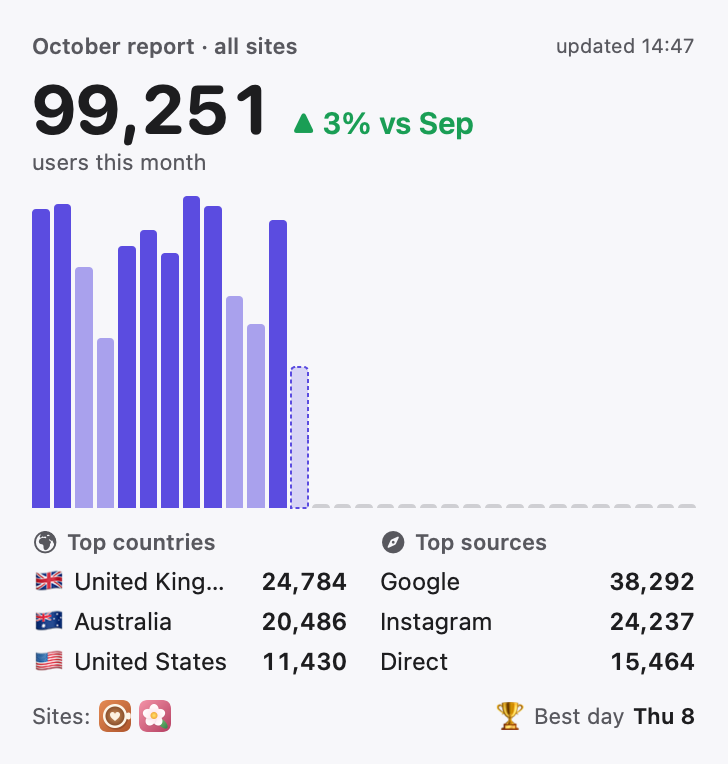
Questions about Mac.
Where does Site Pulse live on my Mac?
In the menu bar, with no Dock icon. You can also open it as a normal window, and choose to show it as a window by default.
Does the Mac app send my data anywhere?
No. On the Mac, Site Pulse talks only to Google Analytics, with read-only access, and keeps your sign-in in your Keychain.
Which macOS do I need?
macOS 26 or later.
 RawToHEIC
  MergeHDR
  Filters
  Photo Geotag
  Copyrighted
  Camera Grid
  Photo Tape