Apple Watch
Website traffic, on your wrist.
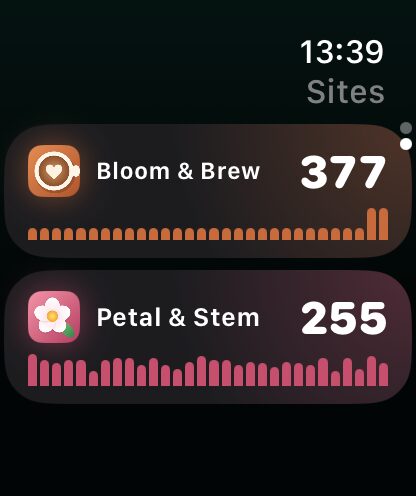
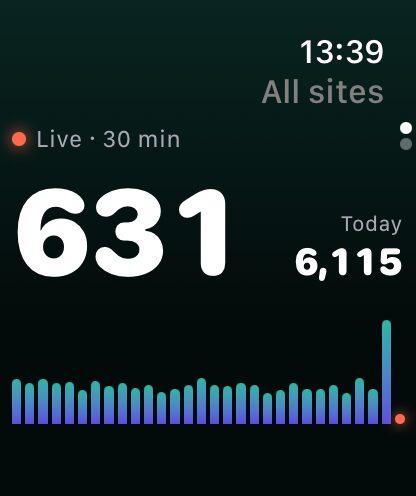
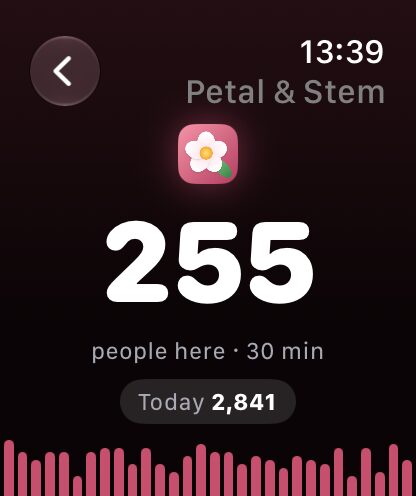
A raise of the wrist tells you how your sites are doing. All sites, each site’s page, a complication for your watch face, and your Live Activity in the Smart Stack.
Complication
“All sites live,” on any face.
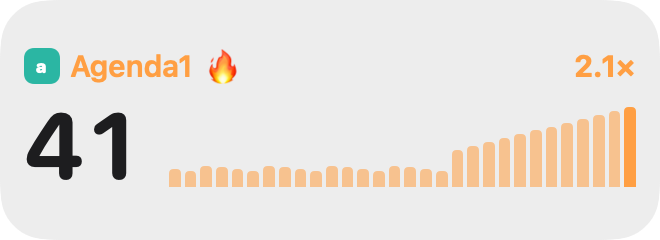
Add Site Pulse to your watch face as a circle, a corner, a line of text or a rectangle with a little chart.
Smart Stack
Your Live Activity follows you.
Start one on iPhone and it appears in the watch’s Smart Stack, updating with the rest.
How it works
No extra sign-in.
Apple Watch gets its numbers from your iPhone. Install Site Pulse on both and your sites are already there.
- All sites · the total, live
- Sites · each one with its live count
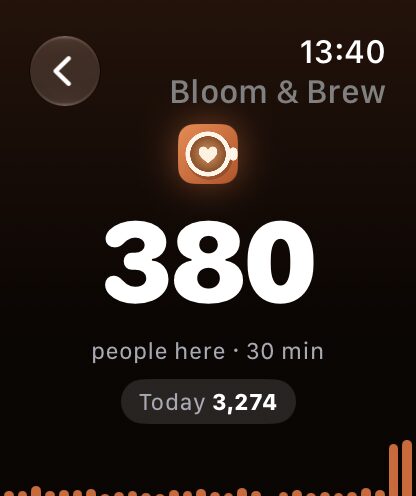
- Site page · today, the last 30 minutes, top places
CarPlay
On the road, eyes up.
Your Live Activity appears on the CarPlay Dashboard by itself, and Siri reads your numbers out loud, hands-free.
“Siri, how are my websites in Site Pulse?”
Questions about Watch & CarPlay.
Do I need an iPhone for the Apple Watch app?
Yes. The watch gets your sites and numbers from Site Pulse on your iPhone. It needs watchOS 26.
Is there a CarPlay app?
No. Site Pulse uses what CarPlay already offers: your Live Activity on the CarPlay Dashboard, and Siri, hands-free.
Feel the pulse.
Join the TestFlight betaRequires watchOS 26 or later and Site Pulse on your iPhone.
 RawToHEIC
  MergeHDR
  Filters
  Photo Geotag
  Copyrighted
  Camera Grid
  Photo Tape