iPhone
Your website’s visitors, live on iPhone.
Site Pulse turns Google Analytics 4 into a live number you can feel. See who’s on your sites right now on the Lock Screen, in the Dynamic Island and on your Home Screen and, if you like, get a nudge the moment one takes off.
Live Activities
Your traffic, on the Lock Screen.
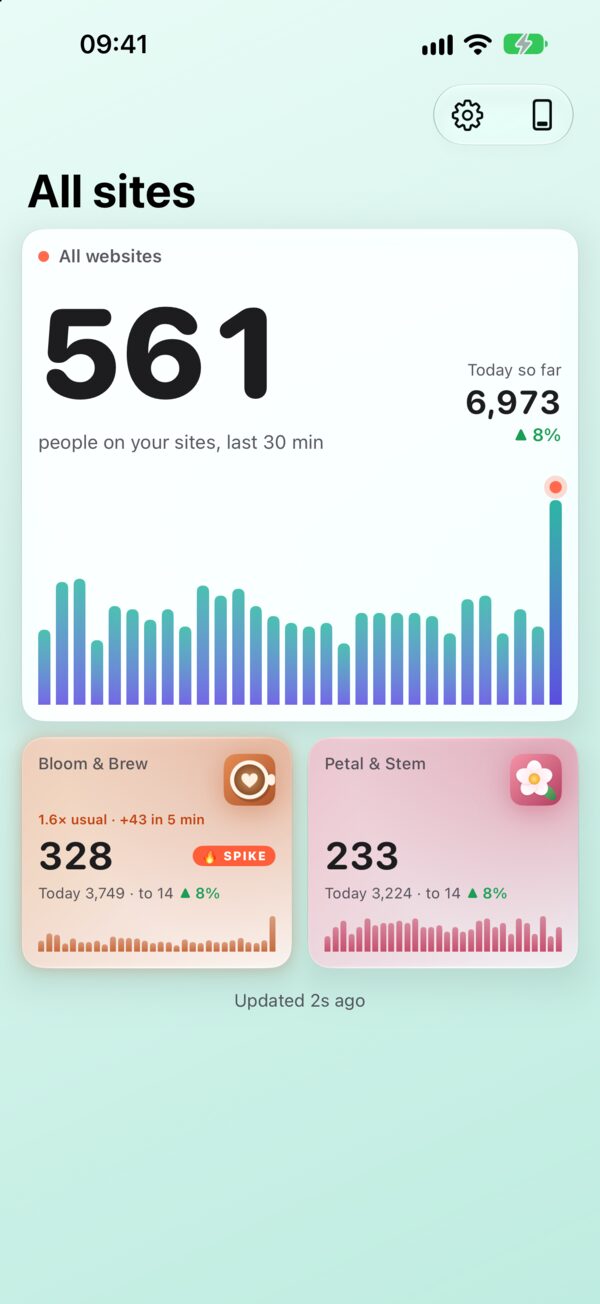
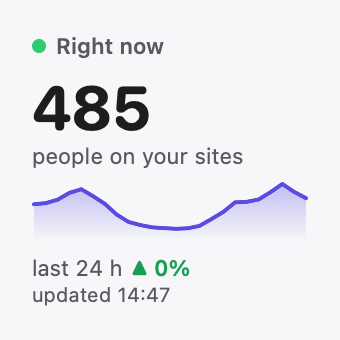
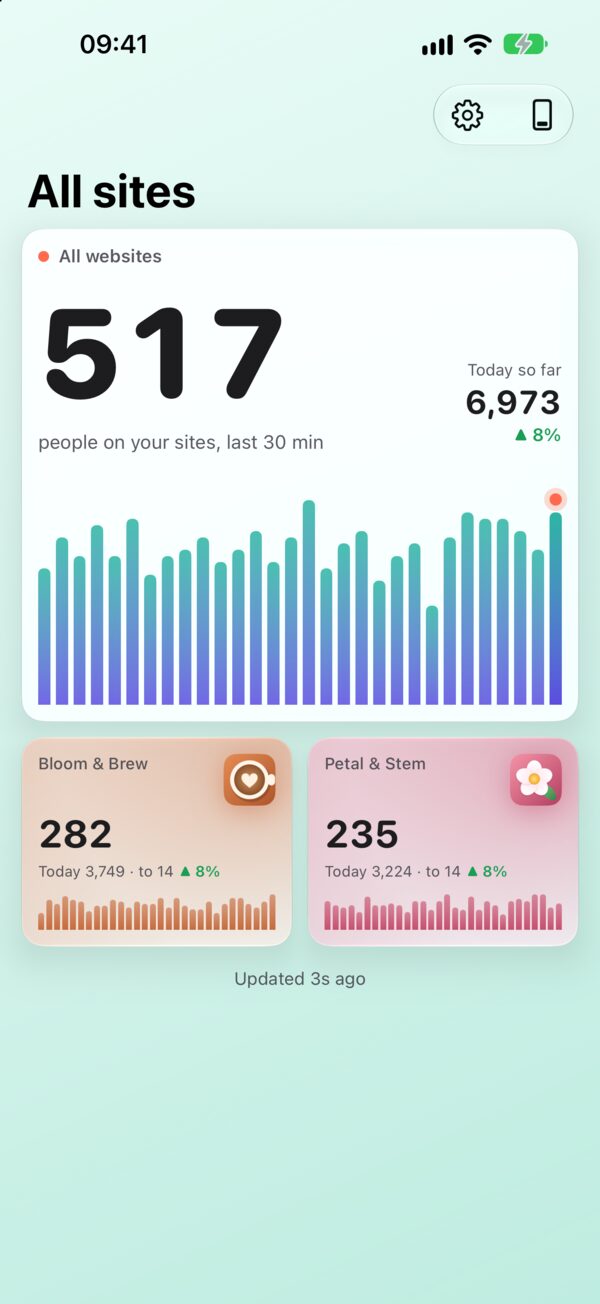
Start a Live Activity for one site or all of them. It shows the people on your sites in the last 30 minutes, a bar for every minute, how today compares with yesterday, your top country and top page. It updates every minute, even while Site Pulse is closed.
- Lock Screen & StandByThe full card, readable across the room.
- Dynamic IslandCompact, minimal and expanded.
- Apple Watch & CarPlayIt follows you to the Smart Stack and the car.
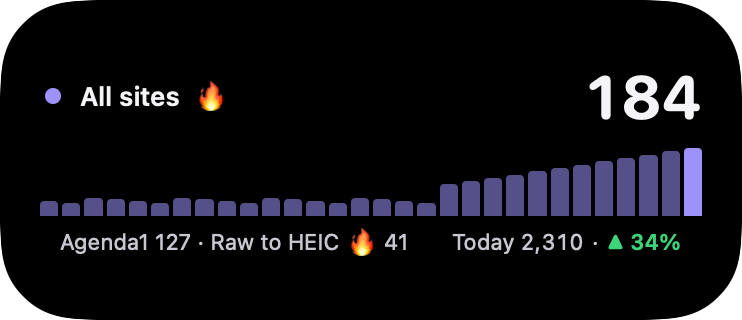
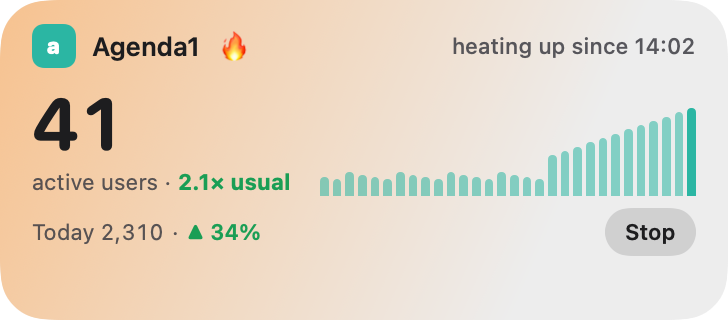
All sites shows up to three sites as chips, the spiking ones first, then “+ N more”.
Spike alerts
Catch the rush as it starts.
Site Pulse learns what’s normal for each site at each hour. When the last five minutes run at 1.5 times the usual or more, the site glows, and if you turn on spike notifications you hear about it with a sound and a banner, even while the app is closed.
Knows your normal
A quiet blog and a busy shop each get alerts that make sense for them, worked out from their own hourly averages.
No false alarms at 3 am
A spike needs both a jump against usual and real extra people, so a handful of visitors never sets it off.
Start watching in one tap
Tap the alert to start a Live Activity, or let Site Pulse start one for you whenever a site spikes.
Every site
Know what they’re reading.
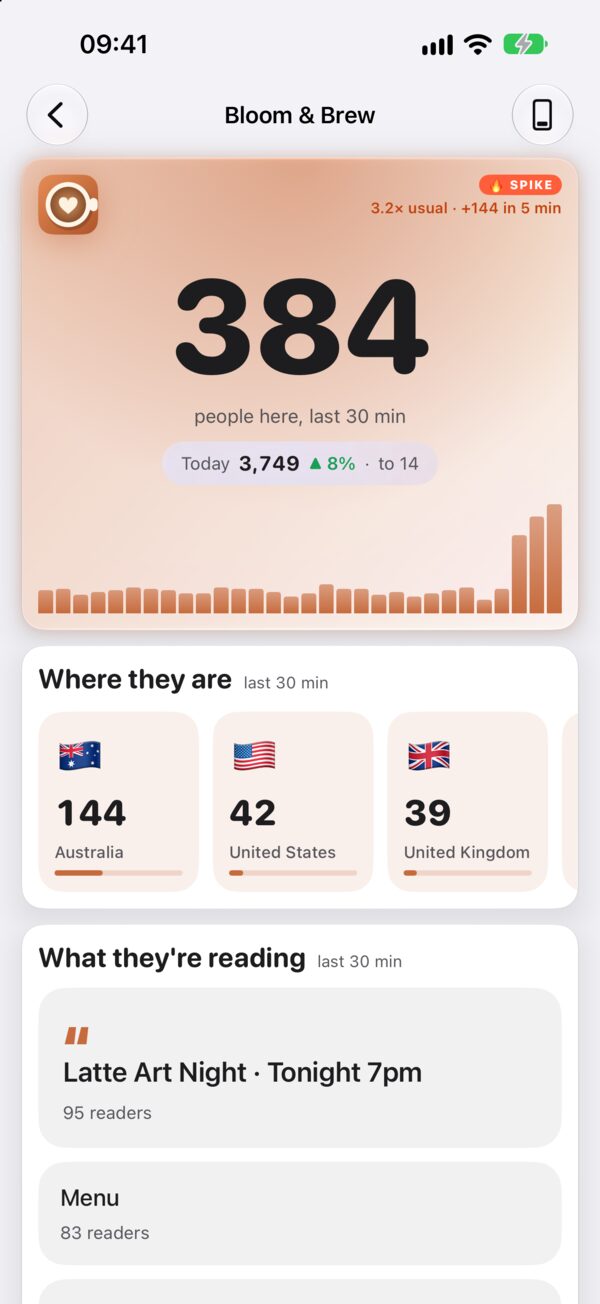
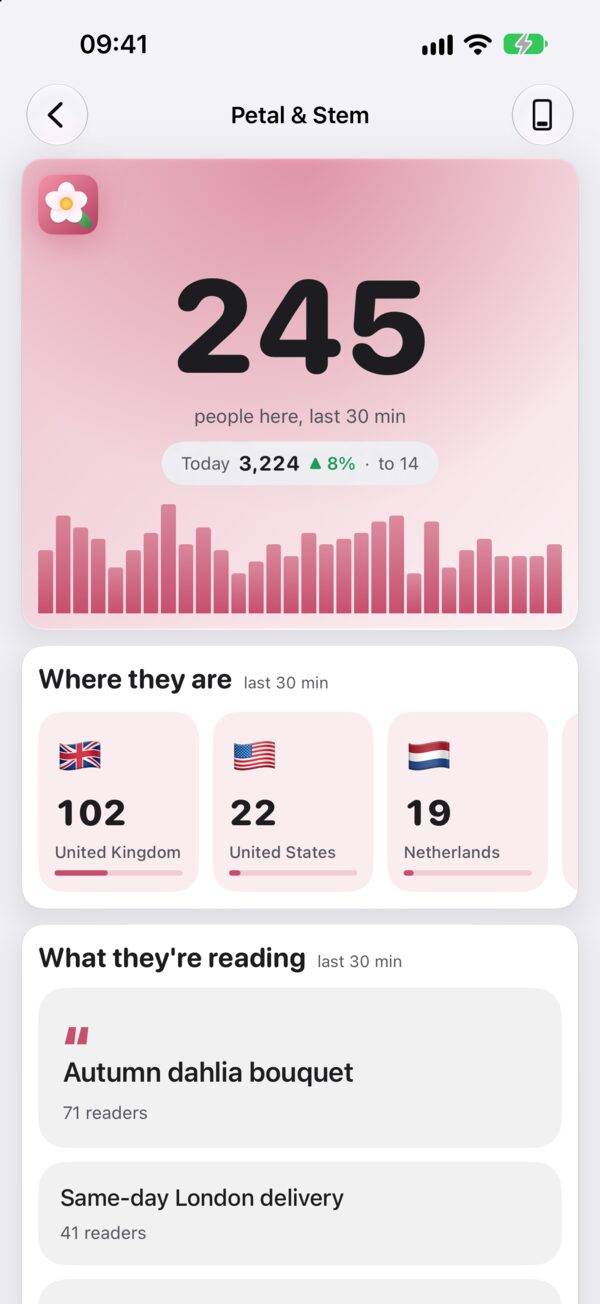
Tap a site for its live room. The last 30 minutes, minute by minute, then four plain answers:
Where they are
Countries, then the cities inside them.
What they’re reading
Your top pages, by title.
On what
Mobile, desktop and tablet, as a ring.
What they do
Your GA4 events, counted live.
Your look
Pick an icon. The app follows.
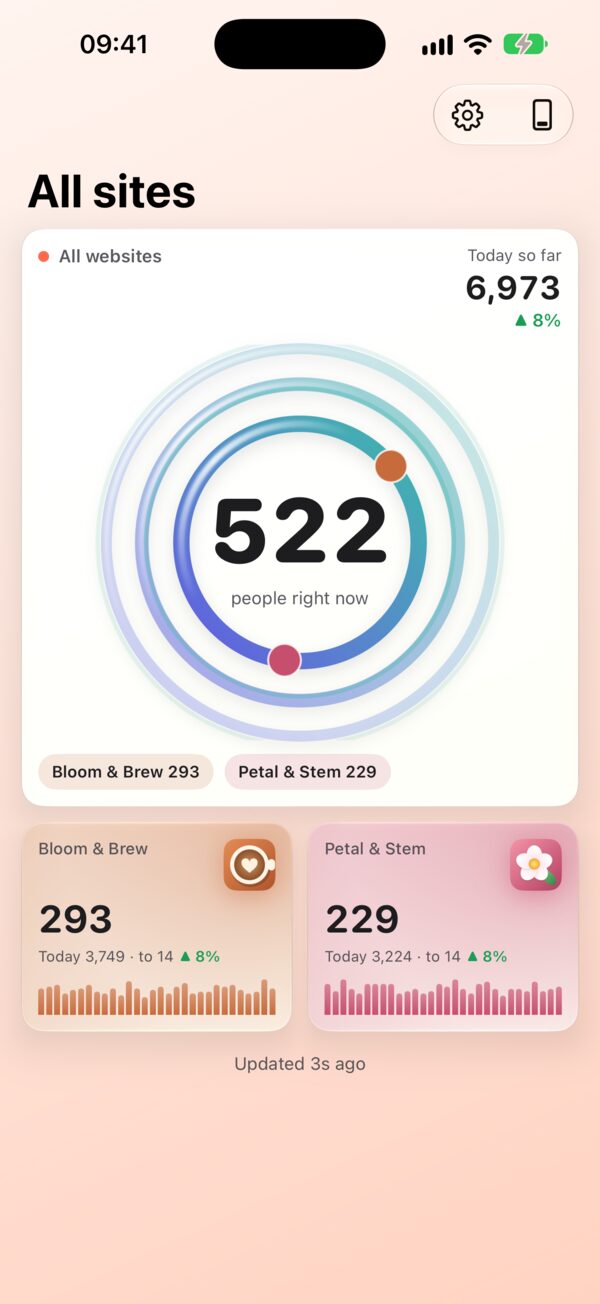
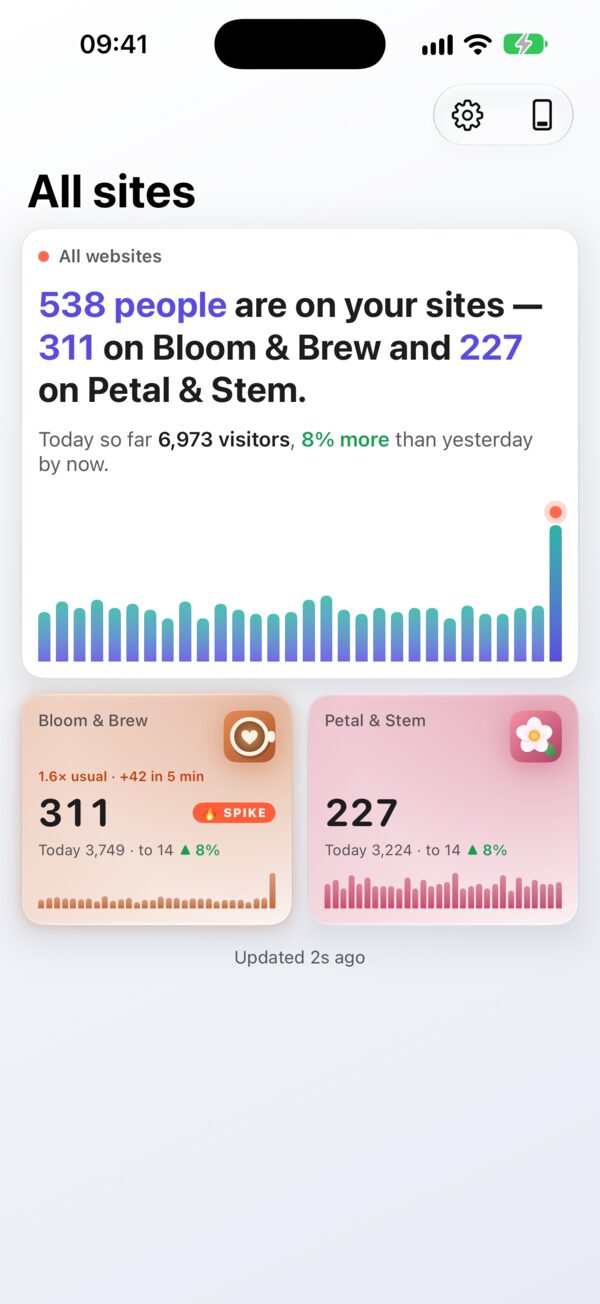
Seven looks, each with its own app icon and its own way of drawing your traffic on the home screen.
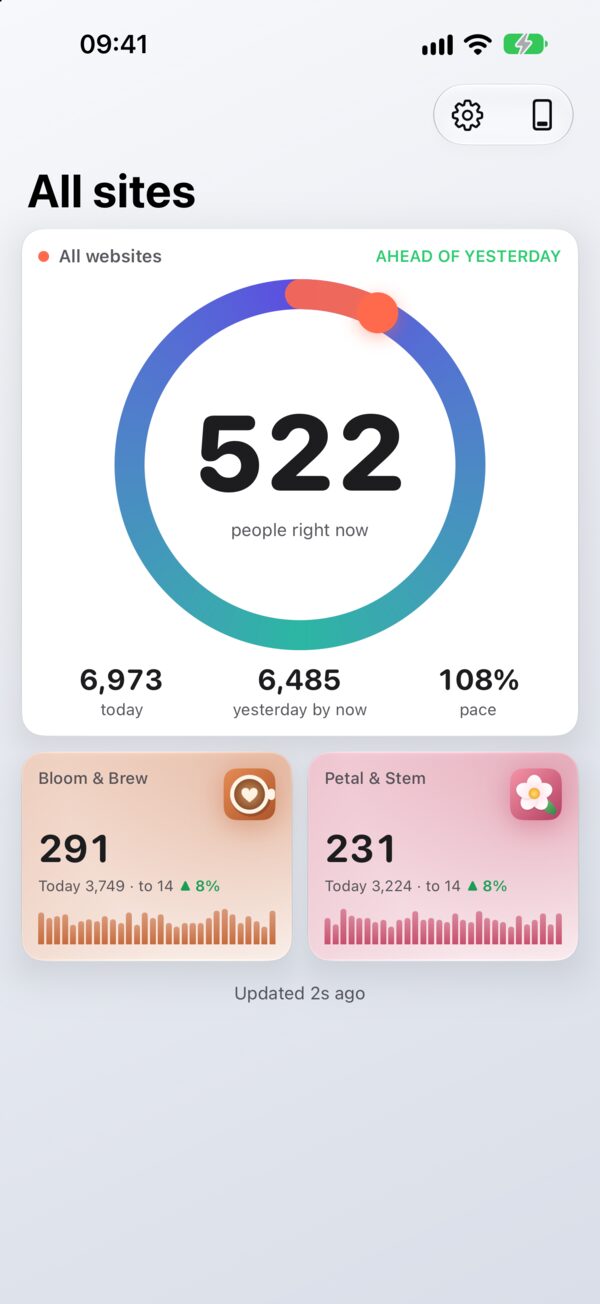
Ring
Today’s pace against yesterday.
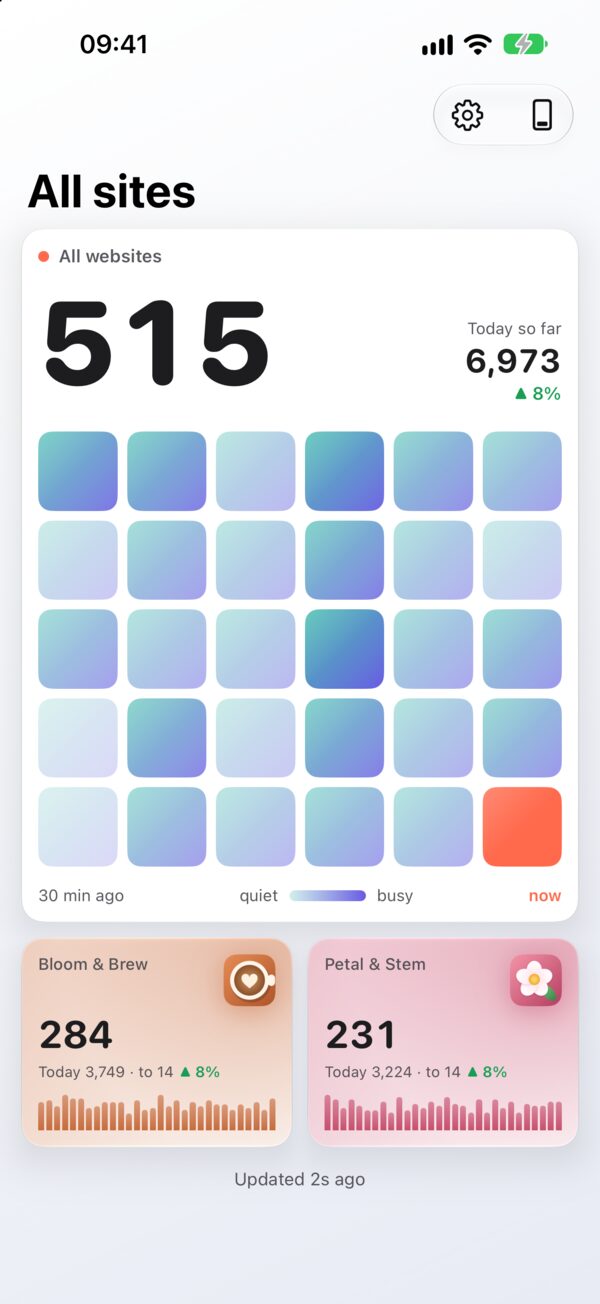
Heatmap
The last 30 minutes as a grid.
Ripple
Rings of your sites around the total.
Story
The moment, told as a sentence.
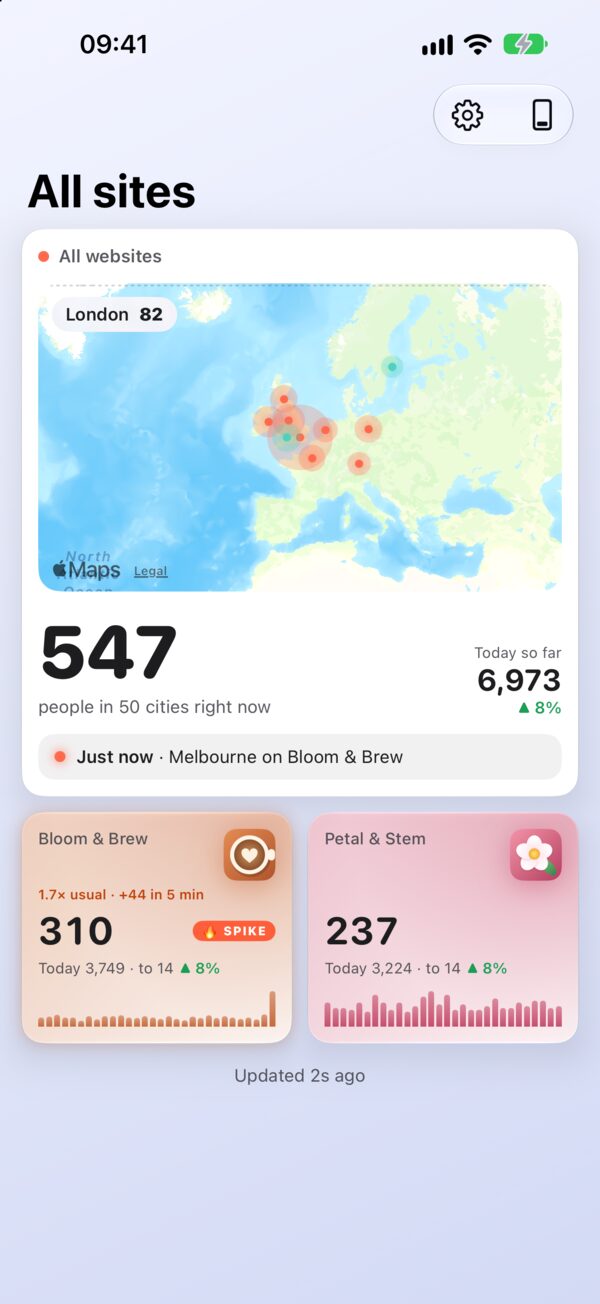
Also: Live Bars, a skyline with a bar a minute · Panes, stacked glass · Map, city by city.
Siri
Just ask.
How are my websites in Site Pulse?
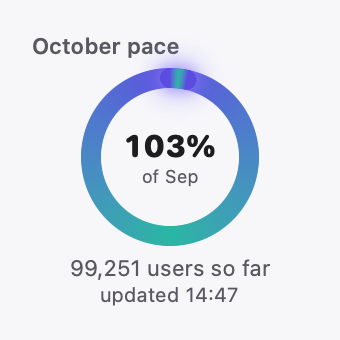
517 people are on your sites right now. 6,973 today, and 99,251 this month.
How’s Bloom & Brew in Site Pulse?
Works hands-free in CarPlay and on AirPods.
Site Pulse Everywhere
Your numbers in six places.
A built-in guide walks you through each one, and ticks it off when it’s done: the Home Screen, the Lock Screen, a Live Activity, Apple Watch, CarPlay and Siri.
Connect a Google account on your Mac and it’s already here, through iCloud Keychain.
Questions about iPhone.
Which iPhone do I need?
Any iPhone that runs iOS 26. Live Activities show in the Dynamic Island on iPhone models that have one, and on the Lock Screen on every model.
Does it work with Universal Analytics?
Site Pulse reads Google Analytics 4 properties, the current version of Google Analytics.
How often do the numbers update?
Every minute while you’re looking, and every minute on a Live Activity, even while Site Pulse is closed. A widget whose numbers are more than 15 minutes old fetches fresh ones from Google itself.
Can I watch sites from several Google accounts?
Yes. Add as many Google accounts as you like, then choose which GA4 properties to watch and give each a short name and colour.
 RawToHEIC
  MergeHDR
  Filters
  Photo Geotag
  Copyrighted
  Camera Grid
  Photo Tape