Journal
Notes on live traffic.
Guides to real-time Google Analytics on Apple devices, explainers on GA4, and what’s new in Site Pulse.
Guide · Featured
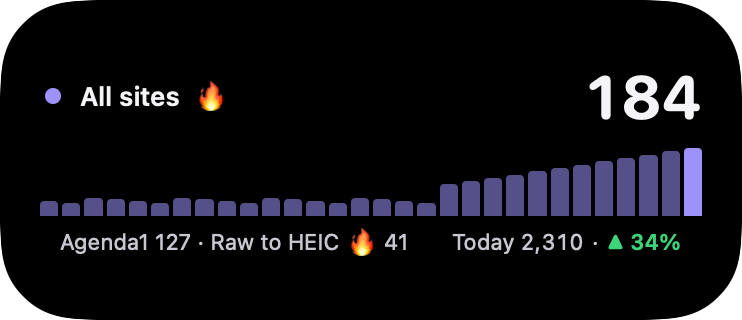
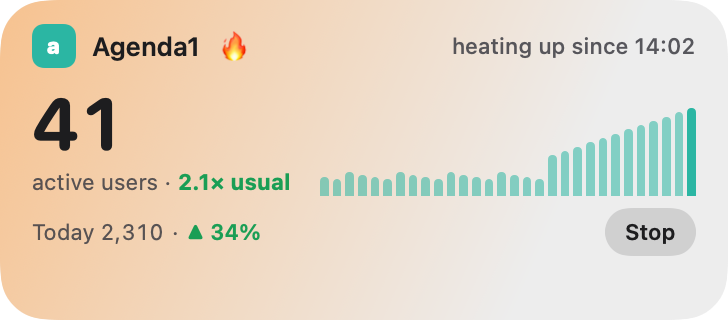
Live Activities for your website: Google Analytics on the Lock Screen
How to put your GA4 real-time visitors on the iPhone Lock Screen and in the Dynamic Island, and keep them updating every minute.
Guide
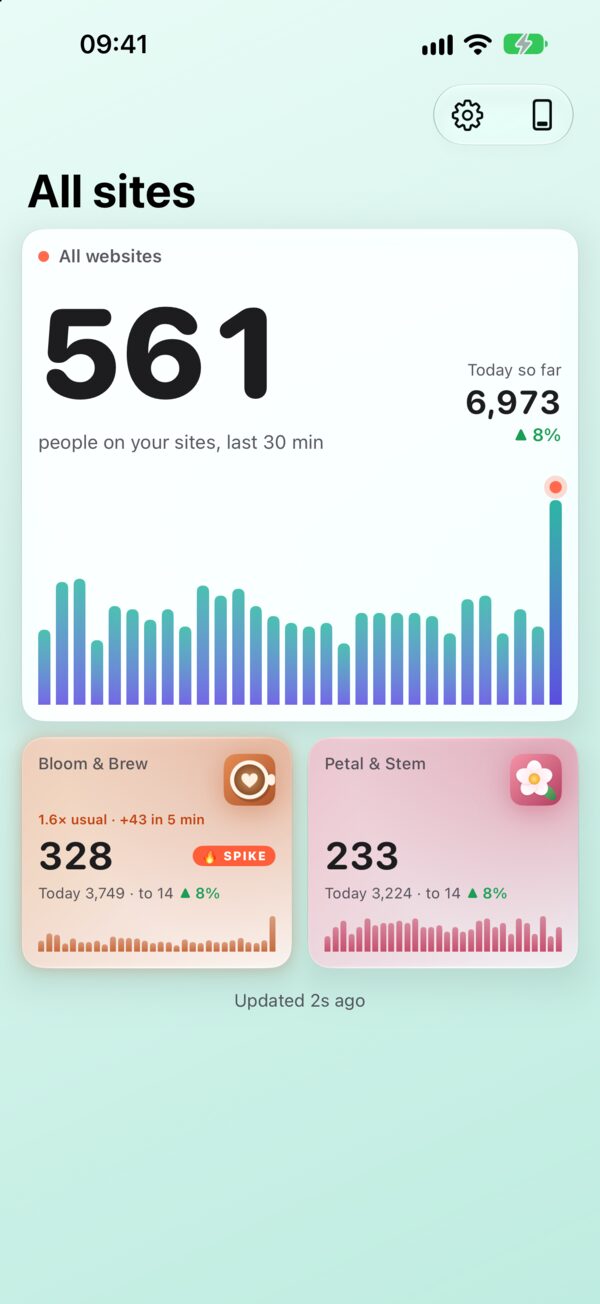
How to see Google Analytics real‑time on your iPhone
The GA4 Realtime report, made glanceable: a live number, a Lock Screen card and a nudge when it jumps.
Explainer
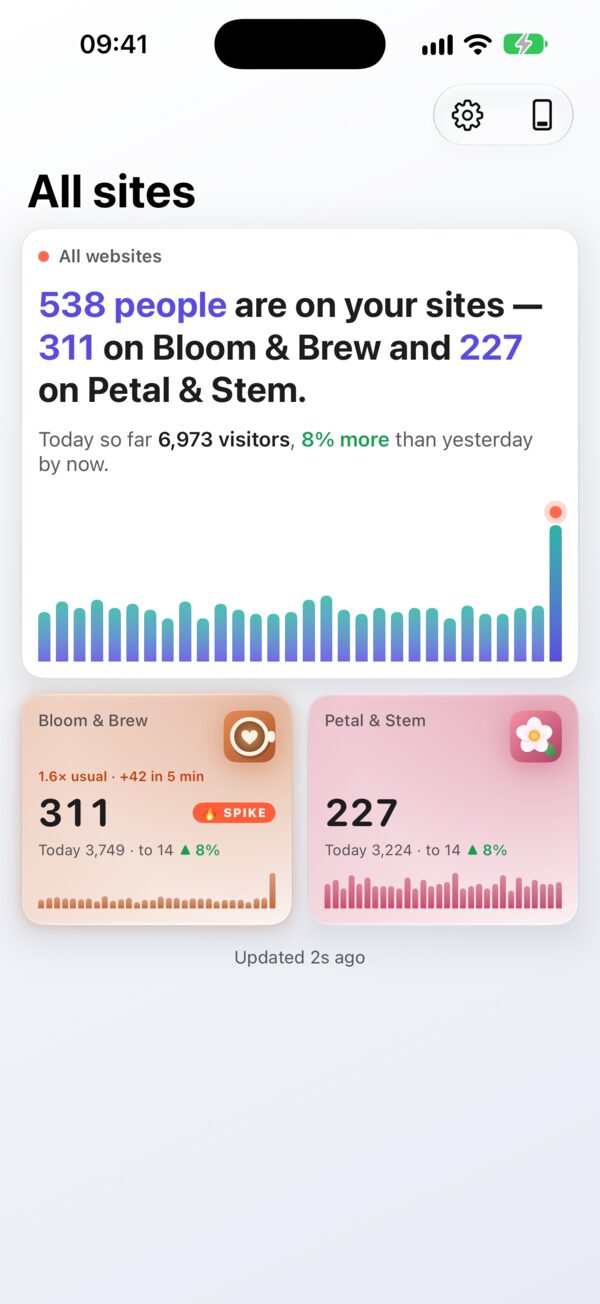
What “active users in the last 30 minutes” means in GA4
Why the live number covers half an hour, why the minute bars add up to more than the total, and why it never quite matches other tools.
Guide
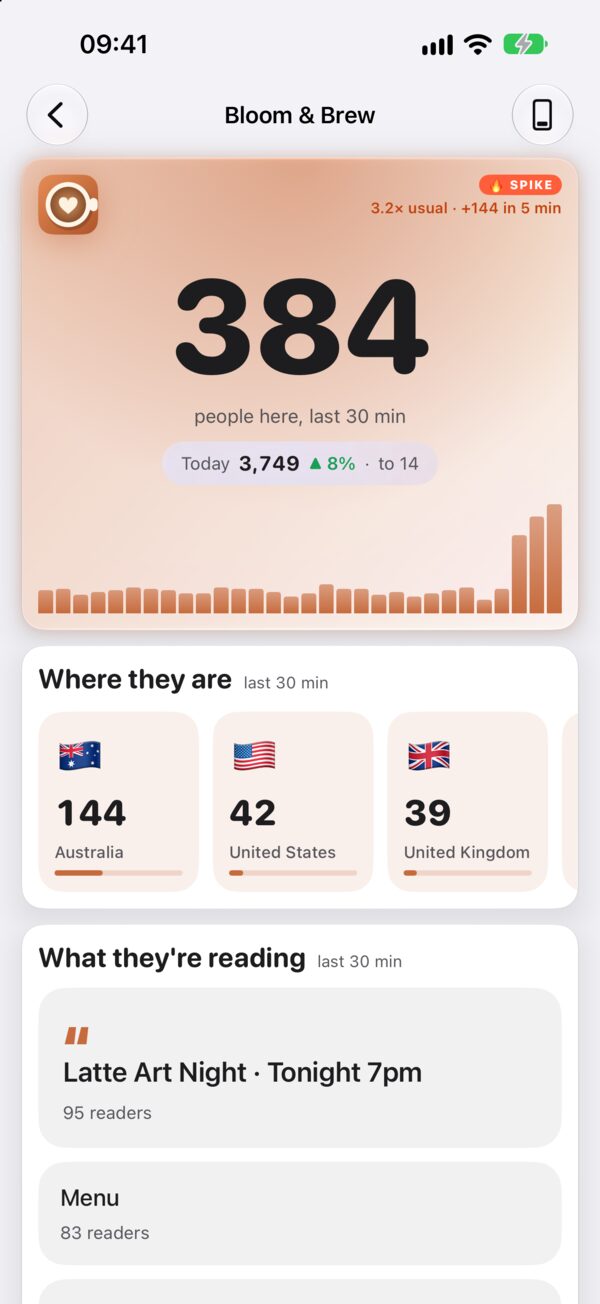
Reading a traffic spike: what to check in the first ten minutes
Where they are from, what they are reading, and what to do while the crowd is still there.
Guide
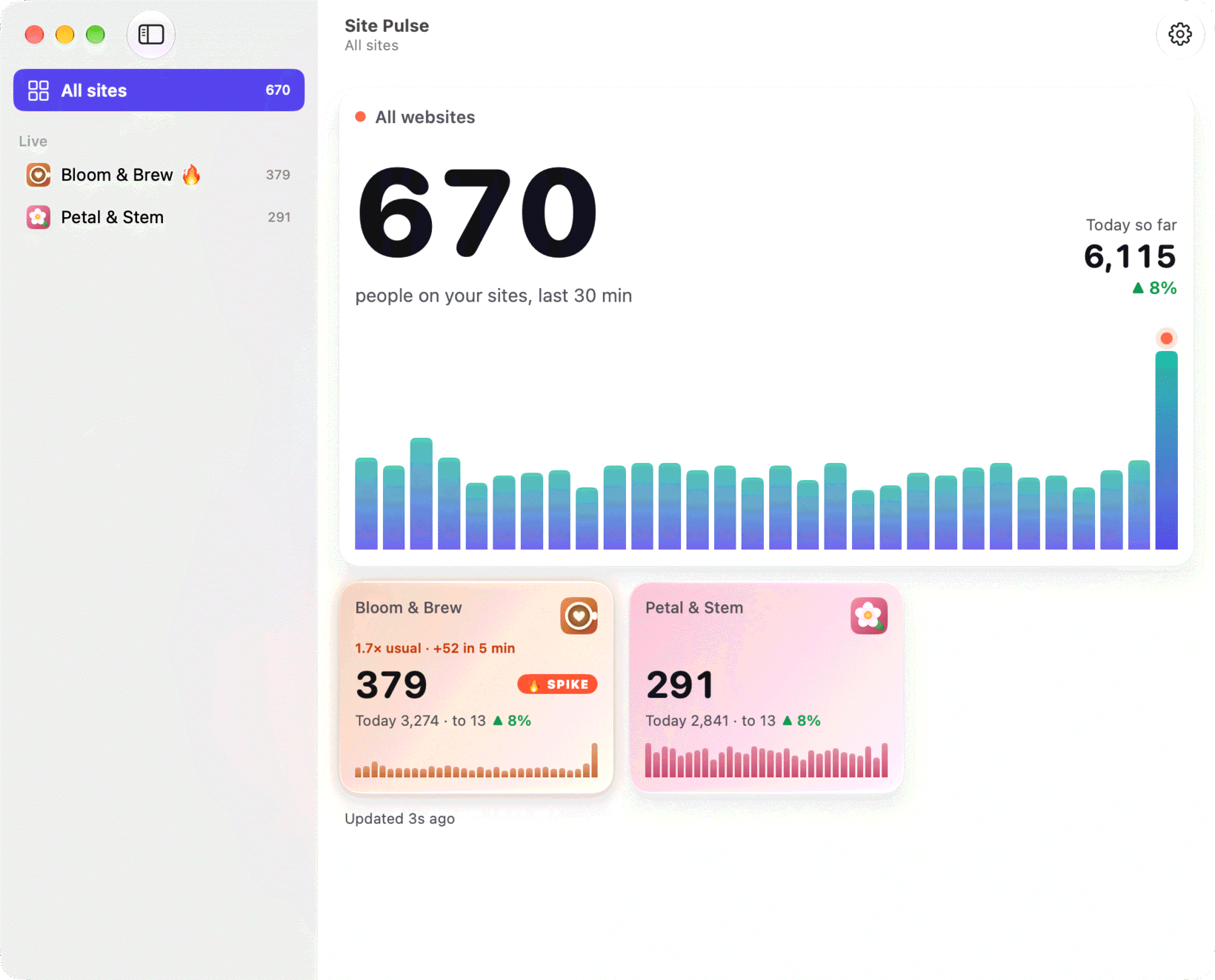
Google Analytics in your Mac menu bar
Set up Site Pulse on the Mac, launch it at login, and add desktop widgets.
Guide
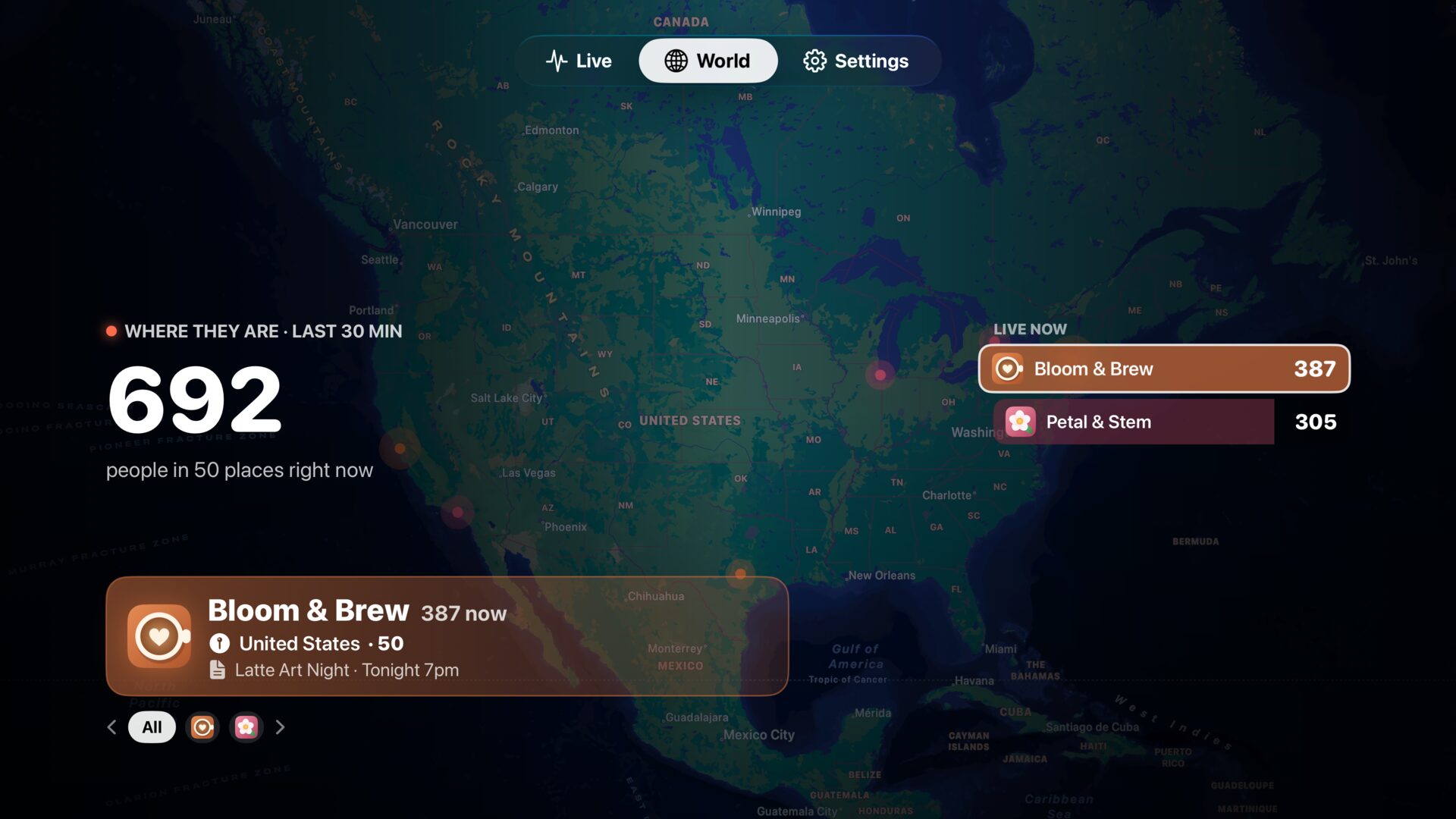
Put your website traffic on the office TV
Pair Apple TV with a QR code, choose the World tour, and let Ambient mode take over when nobody is watching.
Explainer
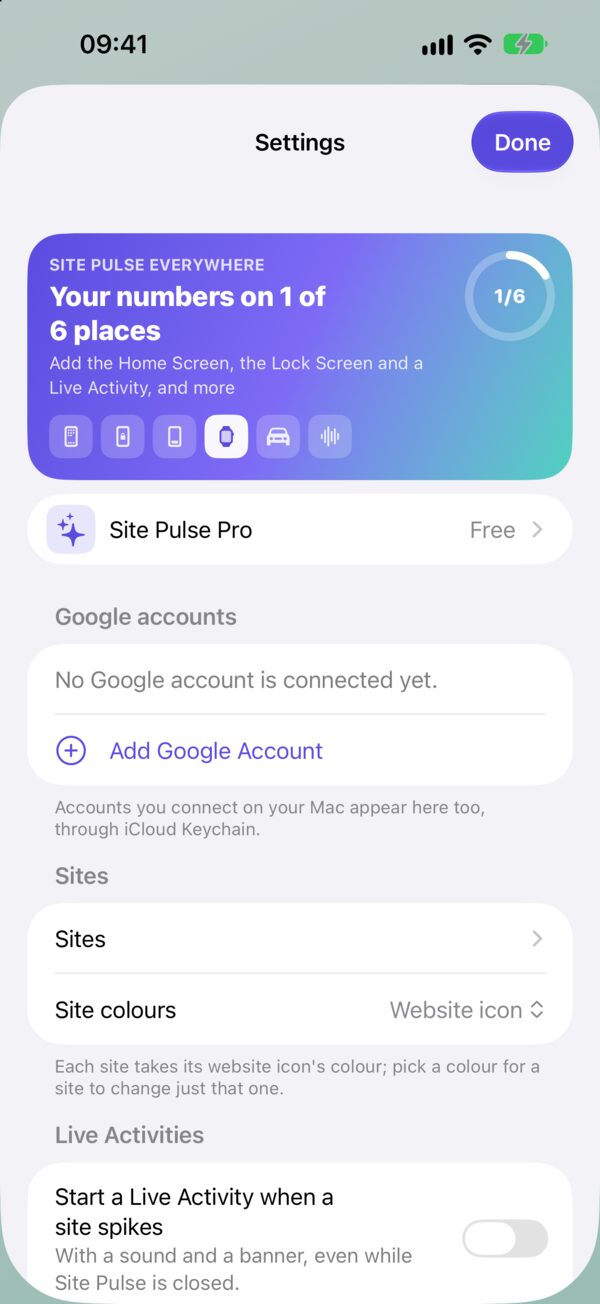
Why Site Pulse can only read your Analytics
What each Google permission is for, where your sign-in lives, and what the Live Activity server keeps.
Guide
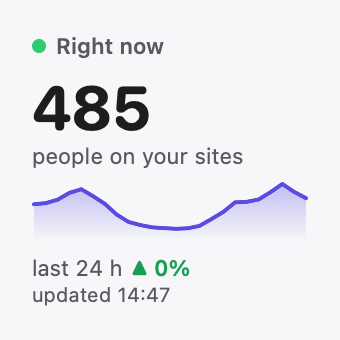
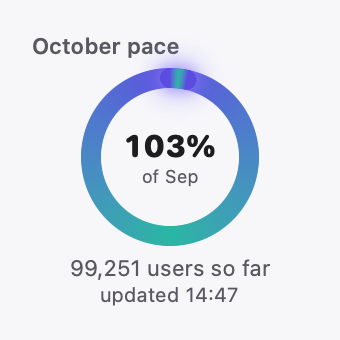
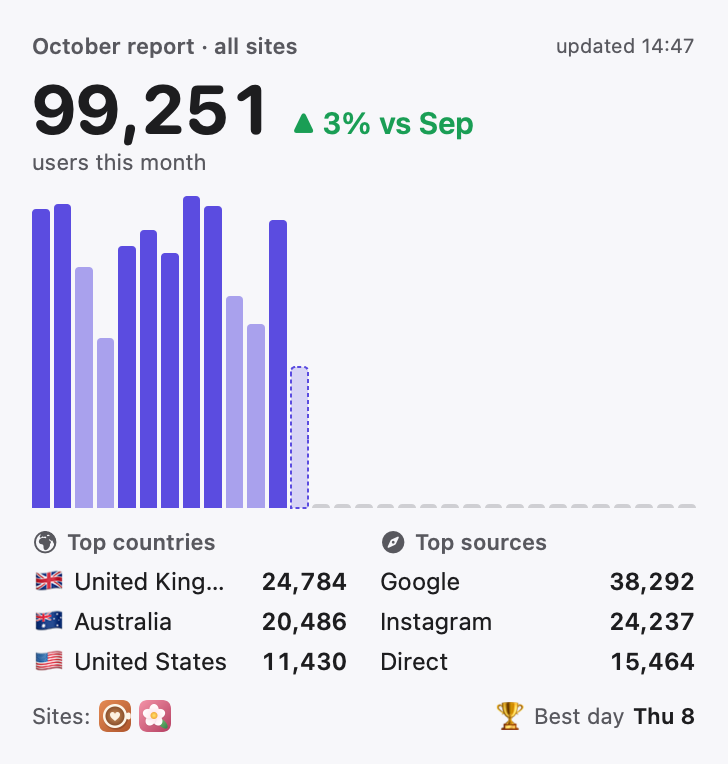
Nine widgets for nine kinds of website owner
From the one-number Pulse to the Monthly report: which Google Analytics widget suits whom, and where to put it.
Release notes
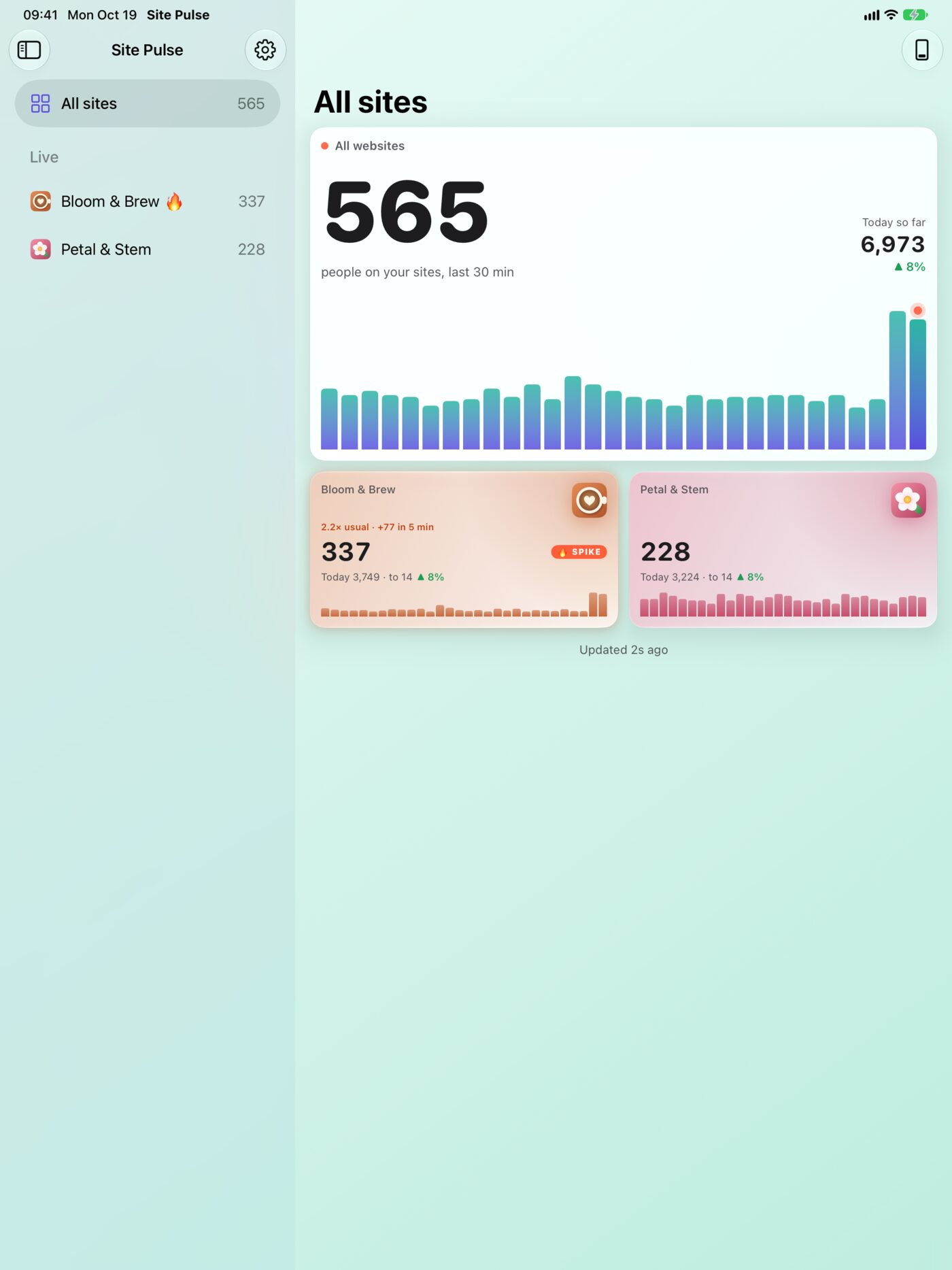
What’s in Site Pulse 1.1
A tour of the whole app, device by device: the dashboard, Live Activities, widgets, spike alerts, the Mac menu bar, Apple Watch, Apple TV and Apple Vision Pro.
 RawToHEIC
  MergeHDR
  Filters
  Photo Geotag
  Copyrighted
  Camera Grid
  Photo Tape