Why Site Pulse can only read your Analytics
What each Google permission is for, where your sign-in lives, and what the Live Activity server keeps.
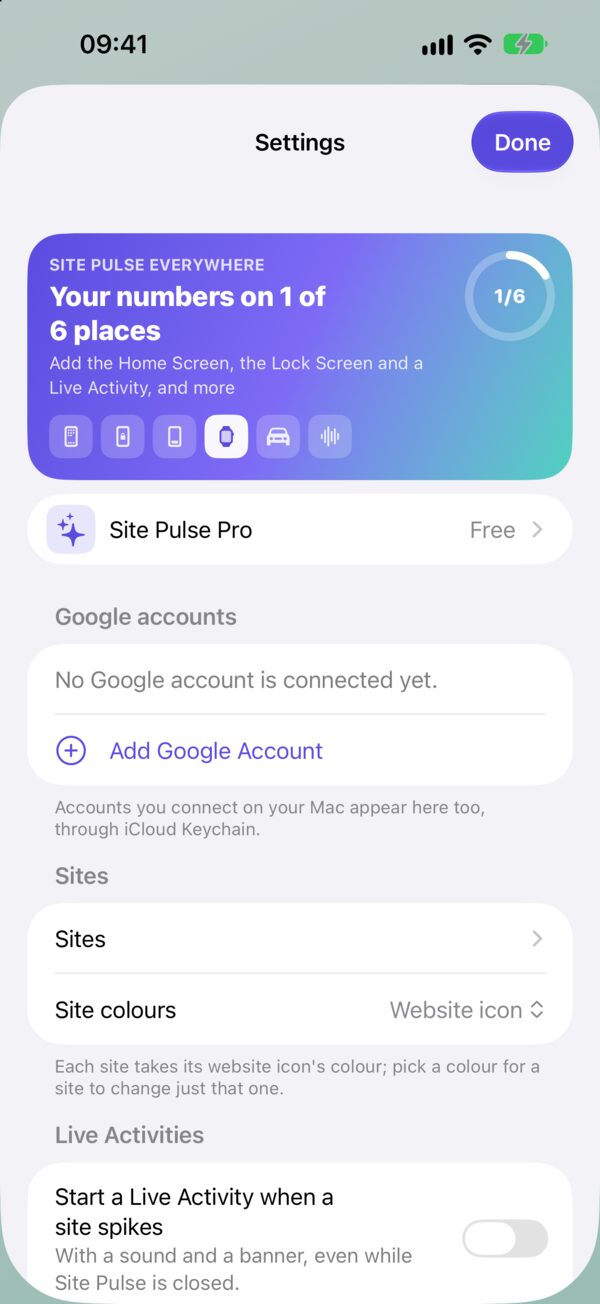
When you connect Google to an app, Google shows you a list of what the app wants. It’s worth reading, because it defines what the app could do with your account. Site Pulse’s list is short on purpose, and this article explains every item on it, where your sign-in is kept afterwards, and the one place your data touches a server of ours.
The permissions, one by one
Site Pulse asks Google for four things:
- Read-only access to Google Analytics (
analytics.readonly). This is the one that matters. It lets Site Pulse read your GA4 properties and their reports: live visitors, today and the month, countries, pages and events. It does not let it change anything. - OpenID (
openid), email and profile. These are Google’s standard sign-in permissions. They let the app know which Google account you just connected, so it can tell several accounts apart and show you which one is which.
That’s the whole list. No access to Gmail, Drive, Calendar, your contacts or anything outside Analytics.
What “read-only” rules out
Read-only is enforced by Google, not by a promise in our code. With this permission, Google simply refuses any request to change your account. Site Pulse cannot:
- change property settings, data streams or retention;
- add or remove users, or change anyone’s role;
- create, edit or delete events, key events, audiences or reports;
- delete data.
A live-numbers app only needs to read, so it only asks to read. Whatever happens, the most this permission allows is looking.
Where your sign-in lives
After you sign in, Site Pulse keeps your sign-ins in the Keychain on your device, the same secure store Apple uses for passwords. They travel between your devices through iCloud Keychain, which is why accounts you connect on your Mac appear on your iPhone too.
Your site choices, such as which properties you watch, their short names and colours, travel through iCloud.
Which device talks to whom
- iPhone, iPad and Mac read your numbers straight from Google. On the Mac, Site Pulse talks only to Google, never to a server of ours.
- Apple Watch gets its numbers from your iPhone.
- Apple TV signs in by pairing with your iPhone: the TV shows a QR code, you scan it, and your accounts move across your local network, encrypted, with no server in between.
- Widgets on iPhone and iPad that are more than 15 minutes old fetch fresh numbers from Google themselves.
The one server: Live Activities
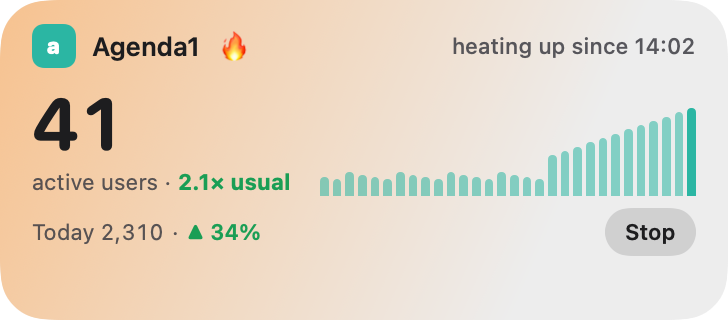
A Live Activity keeps updating every minute while Site Pulse is closed. An app that is closed can’t do that by itself, so Site Pulse’s server does it: it reads your live numbers from Google every minute and sends them to your Live Activity through Apple.
To do that, the server keeps two things:
- Your Google account ID, a number Google uses to identify the account. Never your email address.
- A refresh token, the read-only permission that lets it ask Google for fresh numbers. It is encrypted with a managed key service before it is stored.
You can remove both at any time with Delete my Live Activity data in Site Pulse. If you stop using Live Activities, the data is deleted after 30 days.
Taking access back
You can withdraw Site Pulse’s access from Google’s side whenever you like. In your Google Account, open the security settings, find the list of third-party apps and services with access to your account, choose Site Pulse and remove its access. The app will ask you to sign in again the next time it needs your numbers, and a running Live Activity will say “paused · reconnect in Site Pulse”.
The full details are in the privacy policy. If anything is unclear, the Support page is the place to ask.
Questions
Can Site Pulse change or delete anything in my Google Analytics?
No. It asks only for read-only access to Analytics, so Google won’t let it change settings, users or data, even by mistake.
Does Site Pulse see my email address?
The sign-in permissions let the app show which Google account you connected. The Live Activity server never stores your email; it keeps only your Google account ID.
How do I remove the Live Activity data?
Use Delete my Live Activity data in Site Pulse’s settings. If you stop using Live Activities, the data is deleted after 30 days anyway.
 RawToHEIC
  MergeHDR
  Filters
  Photo Geotag
  Copyrighted
  Camera Grid
  Photo Tape